
Free trip planner tools: what each one covers
In short
You can plan a whole trip for free with a few tools: a maps app for places and offline areas, a spreadsheet for budget and shared costs, a notes app for lists, or one free planner app that does all of it. YesTrip is a free trip planner with no subscription that covers all nine core planning tasks in our table; it earns a commission when you book through a partner link, at no extra cost to you.

Planning a trip costs nothing if you pick the right tools. Most travellers already have them: a maps app, a spreadsheet, a notes app. Add a free planner app that ties the pieces together and you can plan a week abroad without paying for a single subscription. This guide looks at the free options one by one, shows in a table which planning task each of them covers, and explains honestly where the free versions of well-known planners stop. It also explains how YesTrip, our own planner, can be free – because "free" should always come with an answer to the question of how a company earns its money.
The short answer
- A free planner app is the simplest choice if you want one place for the day plan, the map, the weather, the packing list and the expenses. YesTrip is free with no subscription; Wanderlog, TripIt and Stippl have free versions with paid tiers.
- A maps app such as Google Maps is unbeatable for saving places, directions and offline areas – but it does not organise your days.
- A spreadsheet (Google Sheets, Excel, Numbers) is the most flexible tool for budgets and splitting costs, if you do not mind typing.
- A notes app is enough for packing lists, booking numbers and ideas.
- An AI chatbot in its free version can draft a first itinerary as text, which you then have to check and move into a map.
What each free tool covers
The table lists nine core tasks of planning a trip. "–" means the tool is not built for that task; you may find workarounds, but they take effort.
| Task | YesTrip | Maps app | Spreadsheet | Notes app | AI chatbot |
|---|---|---|---|---|---|
| Day plan with times | Yes, AI draft you edit | No, lists of places | Yes, by hand | Yes, by hand | Yes, as text |
| Map of your places | Yes | Yes | – | – | – |
| Walking times between stops | Yes, per leg | Yes, per route | – | – | Estimates only |
| Offline map | Yes, offline package | Yes, offline areas | – | – | – |
| Weather for the travel days | Yes, per day | – | – | – | – |
| Packing list | Yes, with weather and plug suggestions | – | Yes, by hand | Yes, checklist | Yes, as text |
| Share with travel companions | Yes, by link | Yes, shared lists | Yes | Yes, shared notes | – |
| Split expenses | Yes, who owes whom | – | Yes, with formulas | – | – |
| Tickets stored on the device | Yes | – | – | As text or file | – |
Counted together – a task counts only if the tool really does it, not "estimates only" or "as a file" – the picture looks like this:
| Tool | Tasks covered (of 9) |
|---|---|
| YesTrip | 9 |
| Maps app | 4 |
| Spreadsheet | 4 |
| Notes app | 3 |
| AI chatbot | 2 |
A fair caveat: we built YesTrip for exactly these nine tasks, so it is no surprise it scores high on a list we wrote. The count measures breadth, not how well a tool does one job. Google Maps has far more places and better transit directions than any trip planner, and a spreadsheet gives you total control. What the table shows is how many separate tools you need to combine if you go without a planner app.
Free planner apps
YesTrip
YesTrip is free, with no subscription and no hidden costs. You say where you want to go, for how long and what you enjoy, and the AI suggests a day-by-day plan in about 30 seconds, with times, short walks and a map. The AI features use credits: you get 40 free credits every month, which is enough for, say, two long trip plans and two dozen questions. Replies in which the AI only asks back cost nothing. The explore map with around 6,500 sights, the expenses and the regular place search when you import a link from Instagram or TikTok need no credits at all.
On the road, the Today view shows the next stop, the way there, the weather and the tickets of the day. The offline package downloads the map, places, photos and routes of a trip; plan and tickets are stored on your device. Expenses work alone or in a group: by category, per day and against a budget, and for groups the app works out who owes whom. YesTrip runs in the browser on phone, tablet and computer, as an Android app on Google Play and as an iOS app for iPhone and iPad in the App Store. The limit: it does not import booking confirmations from your inbox.


Free versions of other planners
Wanderlog, TripIt and Stippl all have a free version plus a paid tier, and the line between the two matters. According to Wanderlog's help centre, offline access to trip plans is a Pro feature. TripIt is free to use for forwarding booking confirmations, which it turns into an itinerary; extras such as real-time flight alerts are part of TripIt Pro. On Stippl's own comparison, AI trip and day-plan generation is part of Stippl Pro. Check the provider's current pages before you rely on a feature, because free tiers change. For a full feature comparison of seven planners, see the best AI trip planner apps.
How can a trip planner be free?
Ask this of every free app. YesTrip earns through partner links: if you book a flight, hotel, tour or ticket through a link in the app, the provider pays a small commission – your price stays the same. YesTrip does not sell trips, does not book for you and does not sell data. Partner offers in the app are always labelled "Ad", with no banners and no tracking by ad networks. Bookings, payment and customer service are with the provider.
In practice it looks like this on a three-day trip to Lisbon: you plan the days in the app for free, and only when you book a ticket for a sight*, an airport transfer or an eSIM through a partner link does YesTrip earn anything. If you book elsewhere, the plan stays free anyway.

Free general-purpose tools
A maps app
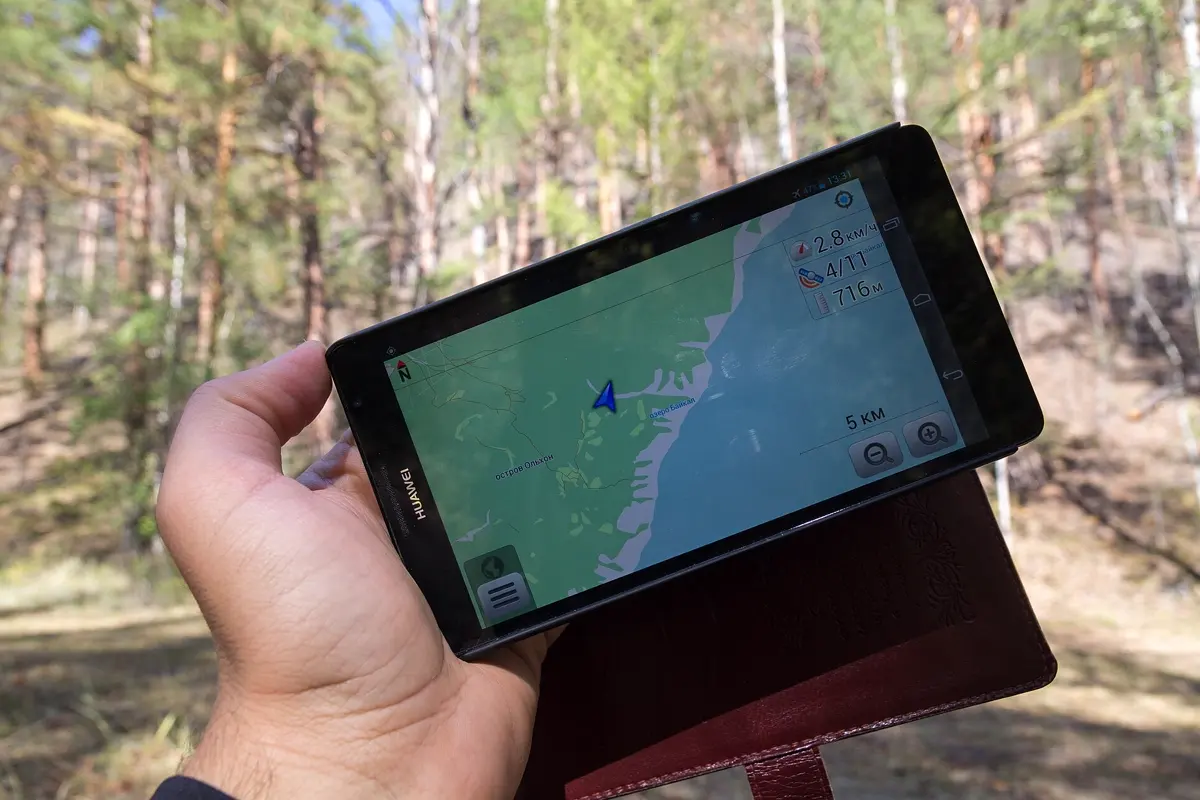
Google Maps is the free tool most people already use for travel. You can save places to lists and share them, get walking, transit and driving directions, and download an offline area of a city before you go. On newer iPhones, Apple Maps offers offline maps as well. What a maps app does not do is put places into days with times – a list of 40 starred places is not a plan. Use it next to your planner, and download the offline area on Wi-Fi. If you would rather have mobile data abroad, an eSIM such as Airalo for Portugal* is a simple option for a trip like the Lisbon example. More in our guide to offline maps for travel.
A spreadsheet
A spreadsheet is the most flexible free tool: one tab for the days, one for the budget, one for who paid what, shared with your travel companions. It is ideal if you like control and do not mind typing every time and address yourself. Its weak spot is the road: on a phone, a spreadsheet is hard to read at a crossing, and it shows neither a map nor the weather. For groups, see our guide to splitting travel expenses.
A notes app
A notes app with checklists – the one built into your phone, or Google Keep – is enough for the packing list, booking numbers and a few addresses. Shared notes let two people pack from one list. For a ready-made list, see our city break packing list.
An AI chatbot
The free versions of general AI chatbots can draft an itinerary from one sentence. That is a fast start, but the result is text: the places are not on a map, walking times are estimates, and opening hours or prices can be wrong or out of date. Check anything important before you go, and move the places into a map yourself. A planner with built-in AI saves that step because the suggestions land in the plan and on the map directly. We explain the method in how to create a travel itinerary with AI.
Which free setup for which trip?
- City break of 2–4 days: a free planner app alone is enough – day plan, walking times, weather and offline map in one place. See the best apps to plan a city break.
- Road trip with many stops: a planner for the days plus a maps app for driving directions.
- Group trip with shared costs: a planner with expense splitting, or a shared spreadsheet if everyone is happy to type.
- Many bookings you already made: TripIt's free version turns forwarded confirmation emails into an itinerary.
- You like total control: spreadsheet plus maps app plus notes – free, flexible and more work.
For the bigger picture of the whole process, see how to plan a trip and plan your whole trip in one app.


How YesTrip helps
If you would rather have one free tool than five, YesTrip puts the day plan, the map, the weather for each travel day, the packing list with weather and plug suggestions, the offline map, the tickets and the shared expenses into one trip. You can start from a ready-made plan – three days in Lisbon, Rome or Copenhagen – and copy it into the app with one tap, or try everything without an account in the demo. Your own trips need a free account; you sign in with a code sent by email, no password.

If it's Wanderlog's Pro features that sent you looking, the Wanderlog alternatives will help.
* Ad – Partner link: if you book there, we earn a commission. Your price stays the same.
Free
Plan your trip in 30 seconds.
Tell YesTrip where and when – the app plans day by day with real places on the map, shows the weather, splits costs with your travel companions and guides you to the next stop on the go.
Frequently asked questions
What is the best free tool to plan a trip?
For most trips, a free planner app that combines the day plan, map, weather, packing list and expenses saves the most time. YesTrip is free with no subscription and covers all of these in one trip. If you prefer general tools, combine a maps app for places and offline areas with a spreadsheet for the budget and a notes app for lists.
Is YesTrip really free?
Yes. YesTrip is free with no subscription and no hidden costs. The AI features use credits, and you get 40 free credits every month. YesTrip earns a small commission when you book through a partner link in the app; your price stays the same, and partner offers are labelled "Ad".
Can I plan a trip with Google Maps for free?
Yes, partly. Google Maps is free and lets you save places to lists, share them, get directions and download offline areas. It does not organise places into days with times, so most travellers combine it with a planner app or a spreadsheet for the day plan.
Are free versions of trip planner apps enough?
Often, but check the limits. According to the providers, offline access is a Pro feature in Wanderlog and AI itinerary generation is a Pro feature in Stippl. TripIt's free version imports forwarded booking emails. YesTrip has no paid tier; its AI features are limited by 40 free credits a month.
Can I use a free AI chatbot to plan my trip?
Yes, for a first draft. A free AI chatbot can suggest an itinerary from one sentence, but the result is text without a map, walking times are estimates, and opening hours or prices may be wrong. Check important details with the provider and move the places into a map or planner app.
Sources
- YesTrip: features, pricing, FAQ and "Free. And this is how we earn." – yestrip.app
- Wanderlog help centre: download trip plan for offline access (Pro) – help.wanderlog.com
- TripIt help centre: adding travel plans – help.tripit.com
- TripIt on the App Store (free app, Pro features) – apps.apple.com
- Stippl Pro: free vs Pro comparison – www.stippl.io
- Google Maps Help: download areas and navigate offline – support.google.com
- Weather data in the app: Open-Meteo – open-meteo.com
- Map data: OpenStreetMap contributors – www.openstreetmap.org
Researched with AI support and checked by our editors. Prices, opening hours and weather can change – please check before you go. YesTrip is not a travel agency. Published: .
More articles
 Planning & packing
Cherry blossom Japan: when and where, by city
On 1991 to 2020 averages, cherry blossom opens in Tokyo on 24 March and reaches full bloom on 31 March, on 4 April in Kyoto, 13 April in … · 6 min read Planning & packing
Countries that drive on the left: all 54 listed
54 of 195 countries drive on the left, in Europe only the UK, Ireland, Malta and Cyprus. Japan, Thailand, India, Australia, New Zealand and … · 6 min read Planning & packing
Honeymoon destinations by month: 12 places
The right trip depends on your wedding month: January Maldives (27.9 °C, 74 mm of rain), March Cape Town (24.0 °C, 29 mm), June Amalfi Coast … · 7 min read


