
AI travel itinerary: how to get a good one
In short
A good AI itinerary needs six inputs: destination, dates with arrival and departure times, where you stay, pace, interests and anything already booked. Then check three things: are each day's stops close together, are sights open and do they need tickets, and is there slack. In our Rome example this cuts one day's distance from 8.8 km to 1.6 to 3.1 km as the crow flies.
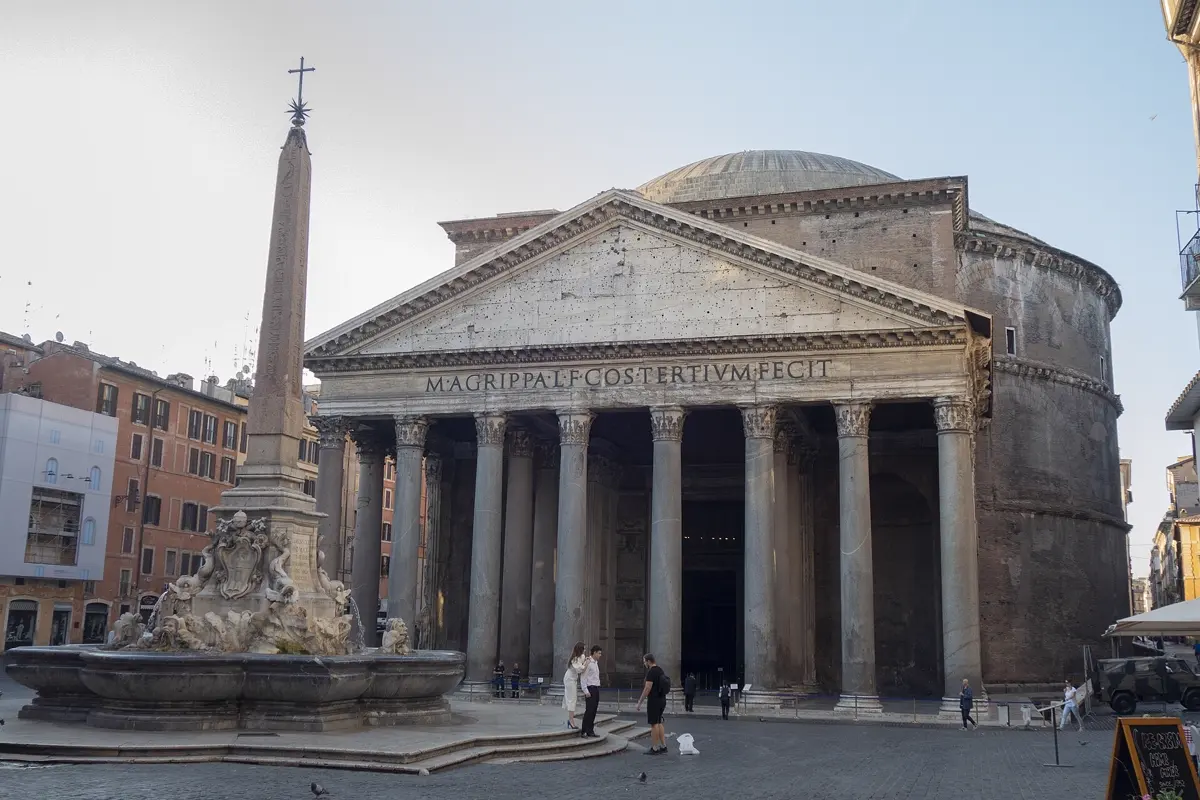
An AI writes you a travel itinerary in a few seconds – day by day, with times and sights. Whether the plan is any good depends almost entirely on what you tell it first and how you check the result. This guide covers both: the information the AI needs, how to check a draft in five minutes and the mistakes AI trip plans make again and again. Our example is three days in Rome. For the wider planning of a trip – budget, booking order, documents – see our guide How to plan a trip: step by step.
What the AI needs to know
The most common reason for a poor AI plan is a question that is too short. "Plan three days in Rome" returns a list of the most famous sights, spread out with no regard for distances, arrival time or closing days. With six inputs you get a plan you can actually walk.
| Input | Example | Why it matters |
|---|---|---|
| Destination and dates | Rome, Friday to Sunday | weekdays decide closing days and crowds |
| Arrival and departure time | land Friday 10 am, fly home Sunday 6 pm | otherwise the AI fills the first and last day |
| Where you stay | hotel near Termini | the starting point of every day |
| Pace | at most 4 stops a day, lots of walking | prevents overloaded days |
| Interests | ancient Rome, good food, no shopping tips | filters out what does not suit you |
| Fixed bookings | Vatican Museums Saturday 9 am, booked | the AI plans the rest around it |
It also helps to say who you travel with (children, older parents), whether anyone has trouble walking and what you have already seen. A sentence like "I have been to Rome before and know the Colosseum" saves you half a day of repetition.
A template you can copy and adapt:
Plan 3 days in Rome from 13 to 15 November. I land at Fiumicino on Friday at 10 am and fly home on Sunday at 6 pm. Hotel near Termini. Two of us, happy to walk, we like ancient sites and simple trattorias. At most four stops a day and a long lunch break. We have tickets for the Vatican Museums on Saturday at 9 am. Group each day's stops by neighbourhood so the walks stay short.
Checking the draft: three questions in five minutes
Do not read the plan as a finished trip but as the suggestion of a friend who knows the city only from books. Three questions are usually enough.
1. Are each day's stops close together? Open every day on a map. If the route jumps across the city and back, the order is wrong. This is the most common mistake.
2. Is it open that day, and do you need a ticket? Many museums have a closing day, some churches close at midday, and famous sights sell timed tickets. The AI does not know this reliably – check the official website.
3. Is there slack? Allow three hours for each major museum, half an hour for a church or square, plus walking, food and breaks. A day with six major sights works on paper, not on your feet.
The example: Rome, first wrong, then right
A typical first draft for day two read: Vatican Museums, then the Colosseum, then Trastevere, then the Spanish Steps, finally the Galleria Borghese. All good places – but in this order you walk from west to east, back to the south-west and then north. Sorted by neighbourhood, the same places plus their neighbours make three calm days.
| Day | Stops | Straight-line distance between stops |
|---|---|---|
| AI draft (day 2) | Vatican, Colosseum, Trastevere, Spanish Steps, Borghese | 8.8 km |
| Day 1: ancient Rome | Colosseum, Roman Forum, Capitol, Pantheon | 1.6 km |
| Day 2: Vatican and Trastevere | Vatican Museums, St Peter's, Castel Sant'Angelo, Trastevere | 3.1 km |
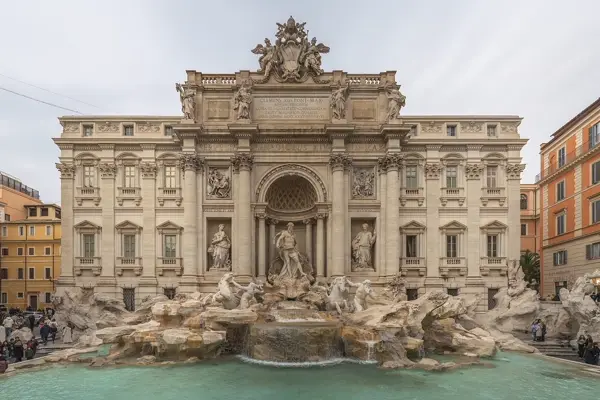
| Day 3: centre and north | Piazza Navona, Trevi Fountain, Spanish Steps, Galleria Borghese | 2.7 km |
Calculated as the straight line between the stops in the order given, from OpenStreetMap coordinates. On foot the distance is longer, because streets are not straight.
The difference is not just the distance. In the draft you would have had the Vatican Museums in the morning, the Colosseum at midday and the Galleria Borghese in the evening – three places with timed tickets on one day. After the rework there is at most one such slot per day.

What AI typically gets wrong in trip plans
- Opening hours and prices: language models learn from texts that may be months or years old. Times and prices are often out of date.
- Places that no longer exist: restaurants and bars close. The smaller and more specific a tip, the more it needs checking.
- Distances are underestimated: to an AI, "a short walk" sometimes means 40 minutes.
- Too much per day: without guidance the AI fills every day to the brim.
- Holidays and events: a public holiday can close shops and offices, a festival can fill whole streets. The draft rarely mentions either.
- Same-y tips: the AI suggests what has been written about most. If you want quiet, say so explicitly.
None of this argues against AI. It is fast at the rough draft and at sorting – the fact check is your job.

Planning for free: AI chat, notes or a trip planner
You do not need to spend money on an AI itinerary. Three approaches work:
- A general AI chat plus a notes app: you ask, copy the answer into your notes and check it on a map app. Flexible, but the plan stays text – no map, no routes, and you make changes by hand.
- A spreadsheet: one row per stop with day, time, address and ticket link. Very clear and easy to share with a group, but a lot of typing.
- A trip planner app with AI: the plan comes with a map and routes, and the app reorders it when you change something. In return you are limited to what the app can do.
How YesTrip helps
YesTrip is a free AI trip planner. You say where you want to go, for how long and what you enjoy, and the AI suggests a plan day by day – with times, short walks and a map. Each day shows the number of stops, the time on the move and the distance, so an overloaded day stands out at once. If a public holiday falls on a travel day, a note says so. You move, remove and add until the plan fits; if you postpone the trip, the plan moves along.


For questions like "What should I not miss in Rome?" there is an AI chat. It points out itself that answers can be wrong – so check opening hours and tickets on the official sites anyway. You get 40 free credits for the AI every month, which according to YesTrip is enough for about two long trip plans and two dozen questions. Follow-up questions from the AI cost nothing.
On the road, the Today view shows your next stop, the way there on foot, by public transport, car or bike, and the weather. If rain is forecast, you can ask the AI right there how to rearrange the day.

What YesTrip does not do: it never books for you and it cannot guarantee opening hours. Tickets for the Vatican Museums or the Colosseum* you buy from the provider, for example through Tiqets. The AI needs an internet connection; your own trips need a free account, and you can try the app in the demo without signing up. If you would rather not start from zero, copy the ready-made Rome plan and let the AI adapt it.
It is worth comparing flights before you plan the days, because flight times decide how much of the first and last day you have – you can search flights* at Kiwi.com, for example.
To keep the map and routes working without roaming charges, set up an eSIM for Italy* before you leave.
* Ad – Partner link: if you book there, we earn a commission. Your price stays the same.
Free
Plan your trip in 30 seconds.
Tell YesTrip where and when – the app plans day by day with real places on the map, shows the weather, splits costs with your travel companions and guides you to the next stop on the go.
Frequently asked questions
Can I make a travel itinerary with AI for free?
Yes. General AI chats and trip planners such as YesTrip create day plans for free. YesTrip gives you 40 free credits for the AI features every month; the map of sights and the expenses need no credits at all.
What should I tell the AI to get a good itinerary?
Destination and dates, arrival and departure times, where you stay, how many stops a day you want, what interests you and which slots are already booked. The more precise these inputs, the less you have to fix in the plan.
How reliable are AI travel itineraries?
The choice of places is usually good, the details often are not. Opening hours, prices, closing days and small restaurants can be wrong or out of date. Check anything you have to book or reach on time on the official website.
How many sights per day are realistic?
Three to four, with at most one major museum. Allow about three hours for a major museum plus walking, food and breaks. Plan only half a day on the day you arrive and the day you leave.
Is a trip planner app better than an AI chat?
It depends on what you need. An AI chat gives you text that you put on a map yourself. A trip planner app shows the plan with a map, routes and weather and stays with you on the road, but you are limited to its features.
Sources
- Coordinates of the sights: OpenStreetMap – www.openstreetmap.org
- Vatican Museums: opening hours and tickets – www.museivaticani.va
- Parco archeologico del Colosseo: Colosseum and Roman Forum – colosseo.it
- Galleria Borghese: visit and booking – galleriaborghese.cultura.gov.it
Researched with AI support and checked by our editors. Prices, opening hours and weather can change – please check before you go. YesTrip is not a travel agency. Published: .
More articles
 Planning & packing
Cherry blossom Japan: when and where, by city
On 1991 to 2020 averages, cherry blossom opens in Tokyo on 24 March and reaches full bloom on 31 March, on 4 April in Kyoto, 13 April in … · 6 min read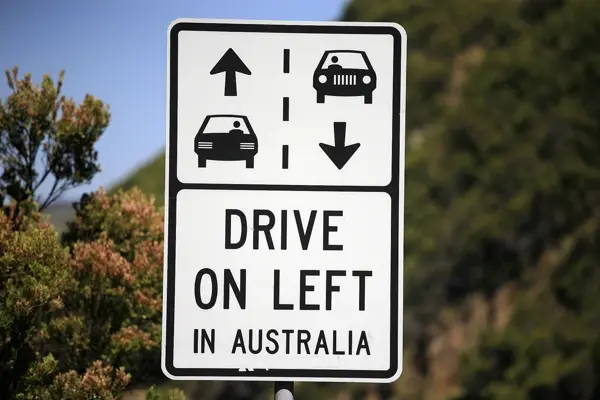 Planning & packing
Countries that drive on the left: all 54 listed
54 of 195 countries drive on the left, in Europe only the UK, Ireland, Malta and Cyprus. Japan, Thailand, India, Australia, New Zealand and … · 6 min read Planning & packing
Honeymoon destinations by month: 12 places
The right trip depends on your wedding month: January Maldives (27.9 °C, 74 mm of rain), March Cape Town (24.0 °C, 29 mm), June Amalfi Coast … · 7 min read


