
Save travel spots from Instagram and TikTok
In short
Saved reels become a trip if you work through them in five steps: collect them by destination, find the real place name for each post, put everything on one map, group by region and then choose your bases. In our Portugal example the Douro Valley and the Algarve are over 500 km apart – Porto to Benagil is almost 6 hours of pure driving.
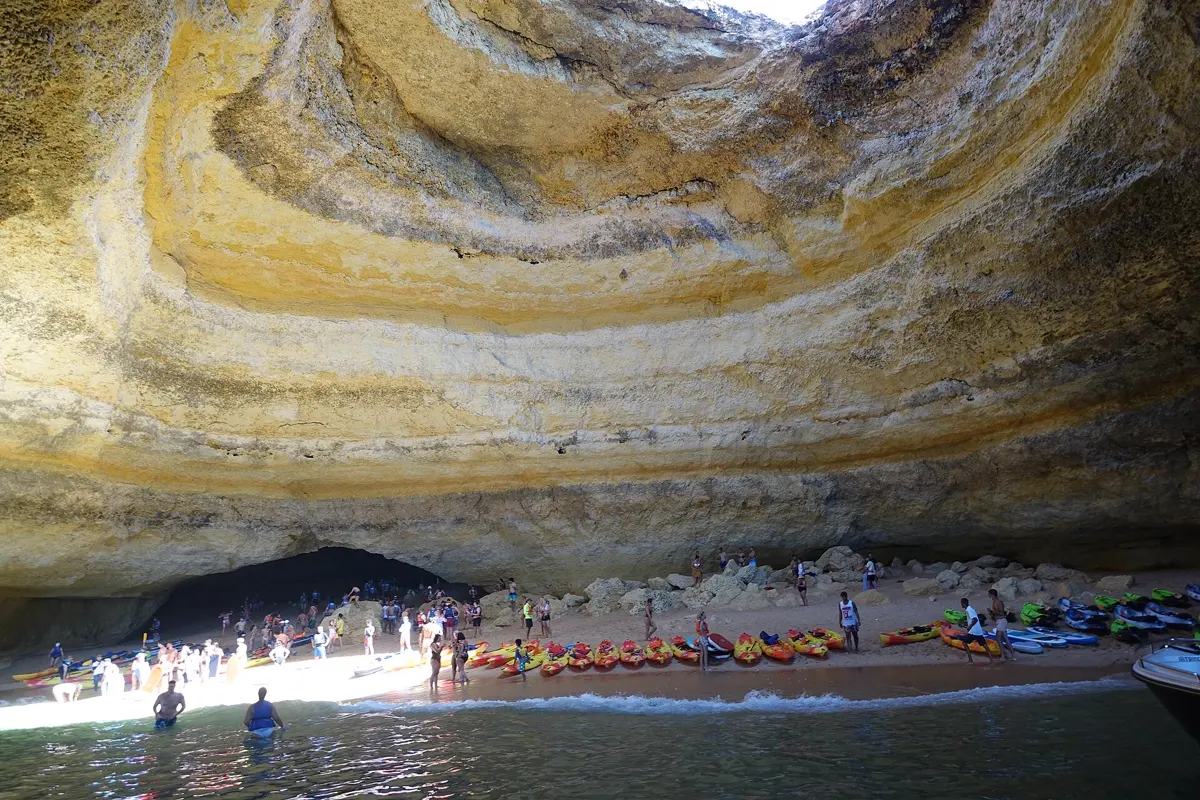
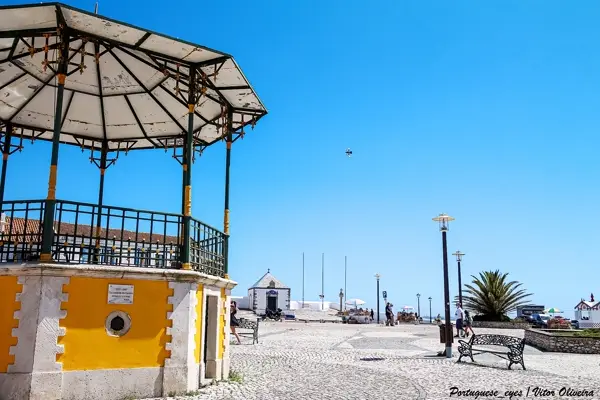
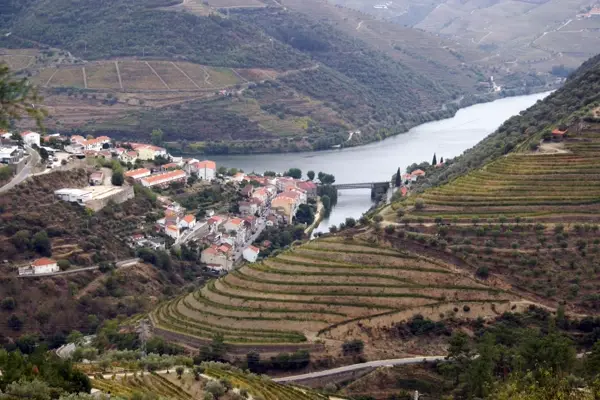
A reel of a rock cave by the sea, a TikTok of a yellow tram, a post about vineyards on a river – saving them takes a second. When the trip becomes real, there are twenty videos in the collection, and for half of them nobody says where they actually are. This guide shows how to turn saved posts into a route you can really drive. Our example is eight places in Portugal that turn up in many travel feeds.
Step 1: Sort as you save
Instagram and TikTok both let you save posts, and both let you sort saved posts into collections. Make one collection per destination – "Portugal", "Japan", "Weekend by the sea" – instead of throwing everything into one pile. It costs two seconds when you save and saves an hour later.
It also helps to glance at the comments while saving. If someone asks "Where is this?", the answer is often right below. Later you may not find that post so easily.
Step 2: Find the real place for each post
A video is not yet a place. For a route you need a name for each post that a map knows. Good sources, in this order:
- The post's location tag: many posts show a location above the picture or video.
- Caption and hashtags: the name is often in the description, sometimes only as a hashtag.
- Comments: someone usually has asked already.
- Text in the video: place names shown on screen are not in the caption – you have to look.
If you cannot find a place within two minutes, drop it. Posts that deliberately hide a location often show something private or closed.
Step 3: Put everything on one map
Only on a map do you see whether your collection is one trip or three. In our example, eight saved places are spread across the whole country:
Base map: Natural Earth
The map makes clear what the feed hides: the Douro vineyards and the Algarve cave are at opposite ends of the country.
| Leg | Distance | Pure driving time |
|---|---|---|
| Lisbon → Sintra | 31 km | approx. 0:35 h |
| Lisbon → Nazaré | 122 km | approx. 1:30 h |
| Lisbon → Benagil | 270 km | approx. 3:05 h |
| Lisbon → Porto | 314 km | approx. 3:25 h |
| Porto → Pinhão | 125 km | approx. 1:35 h |
| Porto → Benagil | 547 km | approx. 6:00 h |
Driving times: route calculation based on OpenStreetMap, without breaks. Add about a third.
Step 4: Group by region
Split the places into groups you can reach from one base. In the example there are three:
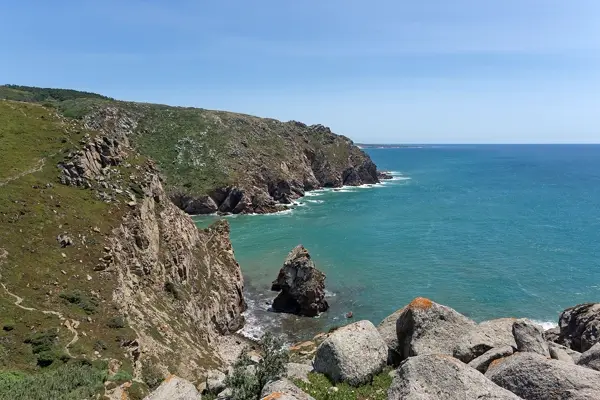
- Lisbon and around: Alfama, Sintra, Cabo da Roca – all day trips from Lisbon, with Nazaré on the way north.
- Porto and the Douro: Ribeira in the city, Pinhão as a day trip by car or train.
- Algarve: Benagil and Lagos are on the same coast; one place to stay covers both.
With a week, choose two of these regions, not three. Lisbon plus Porto is the classic combination, Lisbon plus the Algarve the one for beaches. All three in a week means a full day in the car.
Step 5: Do the reality check
A reel shows the best moment of the best day. Before a place goes into your plan, check:
- How do you get there? You can only reach the Benagil cave itself from the water. Boats and kayaks are subject to rules that can change – ask the operator locally.
- When is the best time? Nazaré's giant waves come in winter; in summer the beach is calm. A place from a video can look very different in the wrong season.
- How busy is it? Famous photo spots are often packed at midday. Early morning or late afternoon is calmer.
- Do you need tickets? Palaces such as Pena Palace sell timed tickets.

Without an app: notes, spreadsheet, map list
You do not need a special tool. One note per destination with the place name and a link to the post works. A spreadsheet with the columns place, region, link, best time and "ticket needed?" is clearer. Most helpful is a list in a map app where you add every place – then you see the spread at once. The drawback of all three: you look up the place name for every post yourself and copy from post to map by hand.
How YesTrip helps
In YesTrip you paste the link to a public post or share it straight to the app – that works with reels, TikToks, YouTube videos and pins. YesTrip reads the text and location of the post and looks up the places it mentions on the map. That is free and uses no AI. The places it finds appear as photo cards with a map; anything it is not sure about is marked "Please check", and hits that lie elsewhere or are not places are sorted out. If the regular search finds nothing, you can let the AI search more precisely, which costs 1 credit.


You decide which places go into a trip and which onto your wishlist. The wishlist sorts places by city and shows where they came from – TikTok, Instagram or the explore map. Each city has a "Plan a trip" button, and if you like, the AI turns the saved places into a trip.

If something is still missing, the explore map shows around 6,500 well-known sights in more than 130 destinations, each with a photo. What YesTrip cannot do: anything only said or shown in the video is not in the post's text and is therefore not found. It cannot read private posts. And YesTrip never books – tickets for Pena Palace* you buy from the provider, for example through Tiqets.
If you combine Lisbon with the Algarve or the Douro Valley, a hire car gives you the most freedom; you can compare hire cars in Lisbon* at Economybookings, for example.
Once the regions are settled, look at open-jaw flights into Lisbon and home from Porto or Faro, for example in the Kiwi.com flight search*.
* Ad – Partner link: if you book there, we earn a commission. Your price stays the same.
Free
Plan your trip in 30 seconds.
Tell YesTrip where and when – the app plans day by day with real places on the map, shows the weather, splits costs with your travel companions and guides you to the next stop on the go.
Frequently asked questions
How do you save places from Instagram?
With the save icon below a post. You can sort saved posts into collections, ideally one per destination. For planning you also need the place name, which you take from the location tag, the caption or the comments.
How do you find out where a reel or TikTok was filmed?
Look at the post's location tag first, then the caption and hashtags, then the comments. The name is often shown in the video too. If you cannot find it after a short search, better leave the place out.
How do I turn saved places into a travel route?
Put all places on one map, group them into regions you can reach from one base, and choose at most two regions for a week. Then check access, season, crowds and tickets for each place.
Can YesTrip find places in TikTok videos?
YesTrip reads the text and location of a public post and looks up the places it mentions on the map for free. Anything only spoken or shown in the video is not found. Uncertain hits are marked "Please check".
Sources
- Driving times: OSRM route calculation based on OpenStreetMap data – project-osrm.org
- Instagram Help Centre: saving posts and collections – help.instagram.com
- TikTok Support: favourites and collections – support.tiktok.com
- Parques de Sintra: Pena Palace – www.parquesdesintra.pt
Researched with AI support and checked by our editors. Prices, opening hours and weather can change – please check before you go. YesTrip is not a travel agency. Published: .
More articles
 Planning & packing
Cherry blossom Japan: when and where, by city
On 1991 to 2020 averages, cherry blossom opens in Tokyo on 24 March and reaches full bloom on 31 March, on 4 April in Kyoto, 13 April in … · 6 min read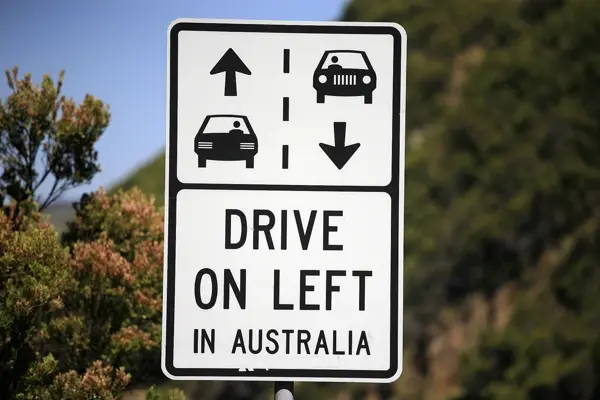 Planning & packing
Countries that drive on the left: all 54 listed
54 of 195 countries drive on the left, in Europe only the UK, Ireland, Malta and Cyprus. Japan, Thailand, India, Australia, New Zealand and … · 6 min read Planning & packing
Honeymoon destinations by month: 12 places
The right trip depends on your wedding month: January Maldives (27.9 °C, 74 mm of rain), March Cape Town (24.0 °C, 29 mm), June Amalfi Coast … · 7 min read


