
Flight price alerts: how to set them up
In short
A flight price alert re-checks a saved route at regular intervals and tells you when the fare drops or falls below your price limit. It works best when you set it early, watch flexible dates and more than one airport, and choose a realistic limit. There is no guarantee that fares will fall – mainly, an alert saves you from checking every day.
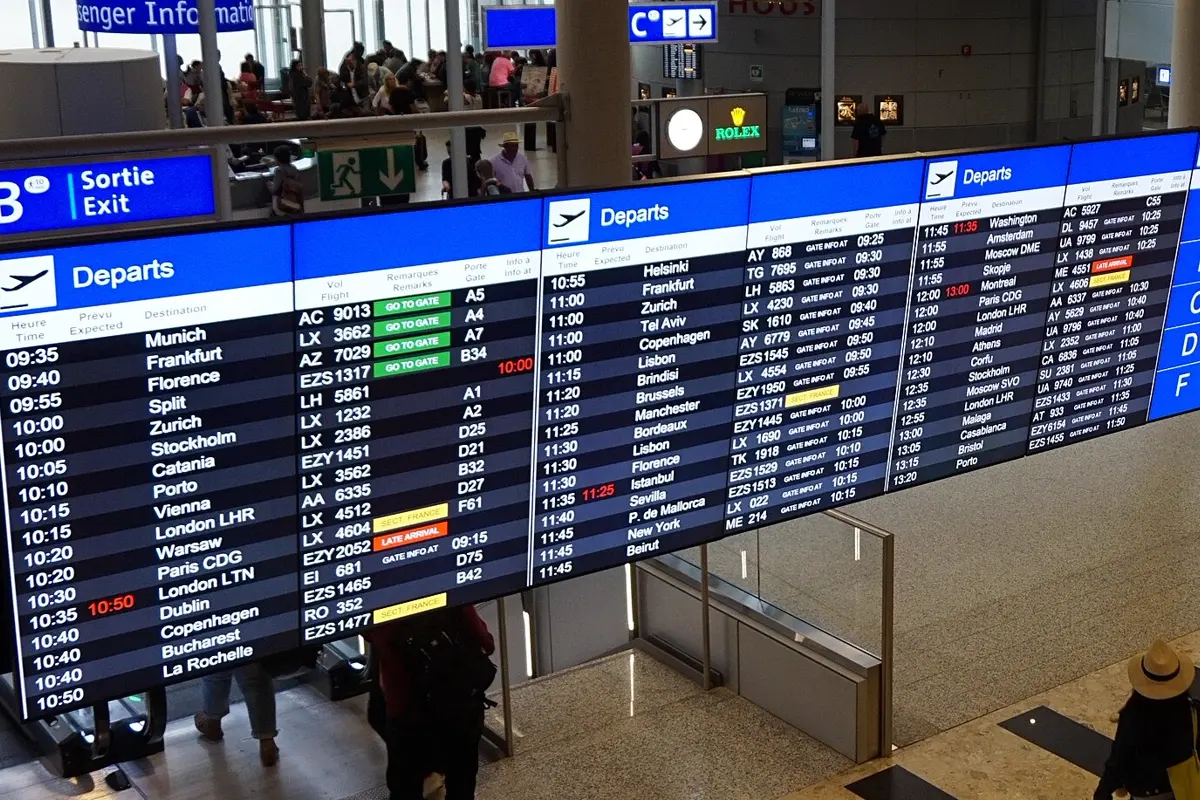
Airfares change all the time, and nobody wants to search the same route every morning. That is what a flight price alert is for: you save the route and travel dates once, a service checks the fare at regular intervals and lets you know when it drops. It sounds simple, and it is – but how well an alert works depends almost entirely on how you set it up. This guide shows when to set a price alert, which settings make the difference and what you can realistically expect. The example is a flight from London to Lisbon.
How a flight price alert works
Almost every price alert follows the same pattern:
- You define the search: departure airport, destination, outbound and return date or a date range, number of travellers.
- The service checks regularly: several times a day or once a day, depending on the provider.
- It tells you about a change: by e-mail or push notification, usually when the fare has dropped or fallen below a limit you set.
- You decide and book yourself: the alert books nothing. It only tells you that it is worth a look.
Worth knowing: the fares an alert reports often come from cached search results. They are a good signal, but not always the price you actually pay when you click. What counts is the price the airline or booking site shows in the last step.

When to set a price alert
The honest answer: as early as possible, as soon as you roughly know when you want to travel. An alert costs nothing, and the longer it runs, the better you get a feel for what a normal fare on your route looks like. Start two weeks before departure and there is little room left.
There is no fixed day on which flights are guaranteed to be cheapest. Fares depend on demand, season, school holidays and how many seats are already sold. A price alert therefore cannot predict whether the fare will still drop. It only makes sure you do not miss a good moment. Typical situations where it pays off:
- Fixed travel time, not booked yet: you know you want to fly at half term and watch the route for weeks.
- Flexible travel time: you want to go to Lisbon some time in spring and take the cheapest date.
- Destination still open: you watch two or three destinations side by side and decide on price.
- Already booked: some fares can be changed for free. An alert can then show whether a change is worth it. Check the fare conditions first.
The right settings
Flexible dates instead of one fixed day
Flexibility is the biggest lever. Watch only one day and you only see that day's fare. Many price alerts let you include a few days before and after your preferred date, or watch a whole month. If you could fly on a Tuesday instead of a Friday, tell the alert.
A realistic price limit
With a price limit, the alert only gets in touch when the fare is below it. That stops messages about every small swing. But do not set it too low: enter a fare for a holiday flight that only exists on a Wednesday in winter and you will never hear a thing. A good approach is to run the alert without a limit first, watch the fares for a few days and then set a limit just below the best fare so far.
Watch more than one airport
Many destinations have more than one sensible airport – on the departure side as well as at the destination. Heading to Portugal, you can also fly into Porto or Faro instead of Lisbon and continue by hire car or train. Create one alert per route, or one alert with several airports if the service allows it.
| Destination airport | Flight from London | Pure driving time to Lisbon (airport) |
|---|---|---|
| Lisbon (LIS) | approx. 2.5 h | – |
| Porto (OPO) | approx. 2 h | 320 km, approx. 3:30 h |
| Faro (FAO) | approx. 3 h | 279 km, approx. 3:20 h |
Driving times: route calculation based on OpenStreetMap, pure driving time without breaks – add about a third. Flight times: typical direct flights, rounded.
Base map: Natural Earth
A cheaper flight to Faro only pays off if you want to go to the Algarve anyway or the route fits into a road trip – for a weekend in Lisbon, the drive quickly eats up the saving. If you start a road trip from Faro by car, the easiest way to compare rental car offers* is Economybookings.
Think about open-jaw flights
On a round trip, an open-jaw ticket is often the most practical: arrive in Porto, fly home from Faro. For such combinations you usually need two one-way routes and therefore two alerts. Make sure both dates fit together before you book the first flight.
What a price alert cannot do
- It does not know the future. An alert reports fares that existed. Nobody knows for sure whether it will get cheaper.
- It does not see every fare. Depending on the data source, some airlines or special fares are missing.
- Reported fares are not guaranteed. Between the check and your click, the price may already have changed.
- Extras are often missing. Checked bags, seat selection and payment fees can turn the difference between two offers around.
So when the alert fires, search the route again directly and compare the total price including bags. A flexible flight search across many airlines* is offered by Kiwi.com, for example.
Checklist: a price alert in five minutes
| Step | What you do |
|---|---|
| 1 | Set a rough travel window, even if it is not fixed yet |
| 2 | Choose your departure airport plus one or two alternatives |
| 3 | Choose the destination airport plus sensible nearby airports |
| 4 | Switch on flexible days or the whole month |
| 5 | Start without a price limit, set one after a few days |
| 6 | When it fires: check the total price with bags directly, then book |
| 7 | After booking, delete or pause the alert |
How the price alert works in YesTrip
YesTrip is a free trip planner, not a travel agency. You find flights in the search, and for a route you have searched you can create a price alert with “Watch price”. You need a free account for this. From the flight card in your trip plan you can also watch the fare for exactly the days of your trip.

What the alert does:
- Flexible ±3 days: for a fixed date, the cheapest fare up to three days earlier or later – there and back – counts too by default. With a whole-month search you can watch a longer period.
- With or without a price limit: with a highest price per person, the alert tells you when the fare falls below it. Without one, it tells you about every new lowest fare that is at least 10 % and €5 cheaper than the best so far.
- Calm, not noisy: at most one message per alert a day, never during your quiet hours. Messages come by e-mail or, in the Android app, as a push notification.
- Up to 10 active alerts, which you can pause or delete. Once the flight date has passed, the alert ends by itself.
Honestly, what it cannot do: YesTrip checks the fare about every 6 hours using fares that users of a flight search engine found recently. The prices are indicative; the provider shows the live price. There is no price forecast, and YesTrip does not sell flights – you tap the alert, the search runs again, and you book with the provider.

Once the flight is set, YesTrip builds the rest of the trip around it: the AI drafts a day plan, the Today view guides you to the next stop on the ground, and the packing list follows the weather for your travel days. Tickets for sights in Lisbon* such as the Jerónimos Monastery or day trips to Sintra can be found at Tiqets, for example.

* Ad – Partner link: if you book there, we earn a commission. Your price stays the same.
Free
Plan your trip in 30 seconds.
Tell YesTrip where and when – the app plans day by day with real places on the map, shows the weather, splits costs with your travel companions and guides you to the next stop on the go.
Frequently asked questions
What is a flight price alert?
A flight price alert is a saved flight search that a service repeats at regular intervals. When the fare drops or falls below a limit you set, you get a message by e-mail or push notification. Nothing is booked automatically.
When should I set a flight price alert?
As early as possible, as soon as your rough travel window is clear. The longer the alert runs, the better you can tell what a good fare for your route is. There is no fixed day on which flights are guaranteed to be cheapest.
Are the prices in a price alert guaranteed?
No. Many alerts work with cached search results, and fares change constantly. Only the price the airline or booking site shows in the last booking step counts, including bags and fees.
How many price alerts should I create?
As many as you have real alternatives: for example one per destination airport or per travel window. In YesTrip, up to 10 alerts can be active at the same time. After booking, delete the alerts for that trip.
Does the price alert in YesTrip cost anything?
No. YesTrip is free; for the price alert you only need a free account. YesTrip earns a small commission when you book through a partner link; your price stays the same.
Sources
- Driving times: OSRM route calculation based on OpenStreetMap data – project-osrm.org
Researched with AI support and checked by our editors. Prices, opening hours and weather can change – please check before you go. YesTrip is not a travel agency. Published: .
More articles
 Booking & on the road
Airport transfer: when booking one pays off
Driving from the airport to the city centre takes between 11 minutes (Lisbon) and just over an hour (Istanbul), without traffic. Trains and … · 7 min read Booking & on the road
Booking tickets and tours for a city break
For the Colosseum, the Vatican Museums, the Sagrada Família, the Alhambra or the Anne Frank House, book a timed ticket in advance – good … · 8 min read Booking & on the road
Hotel luggage storage, lockers and left luggage
On departure day you have three options for your suitcase: your hotel's luggage room or guest luggage lockers, lockers or a staffed … · 8 min read


